little hub with images and info about my computers
i buy, fix and sell old laptops and computers. visit the software page for guides.
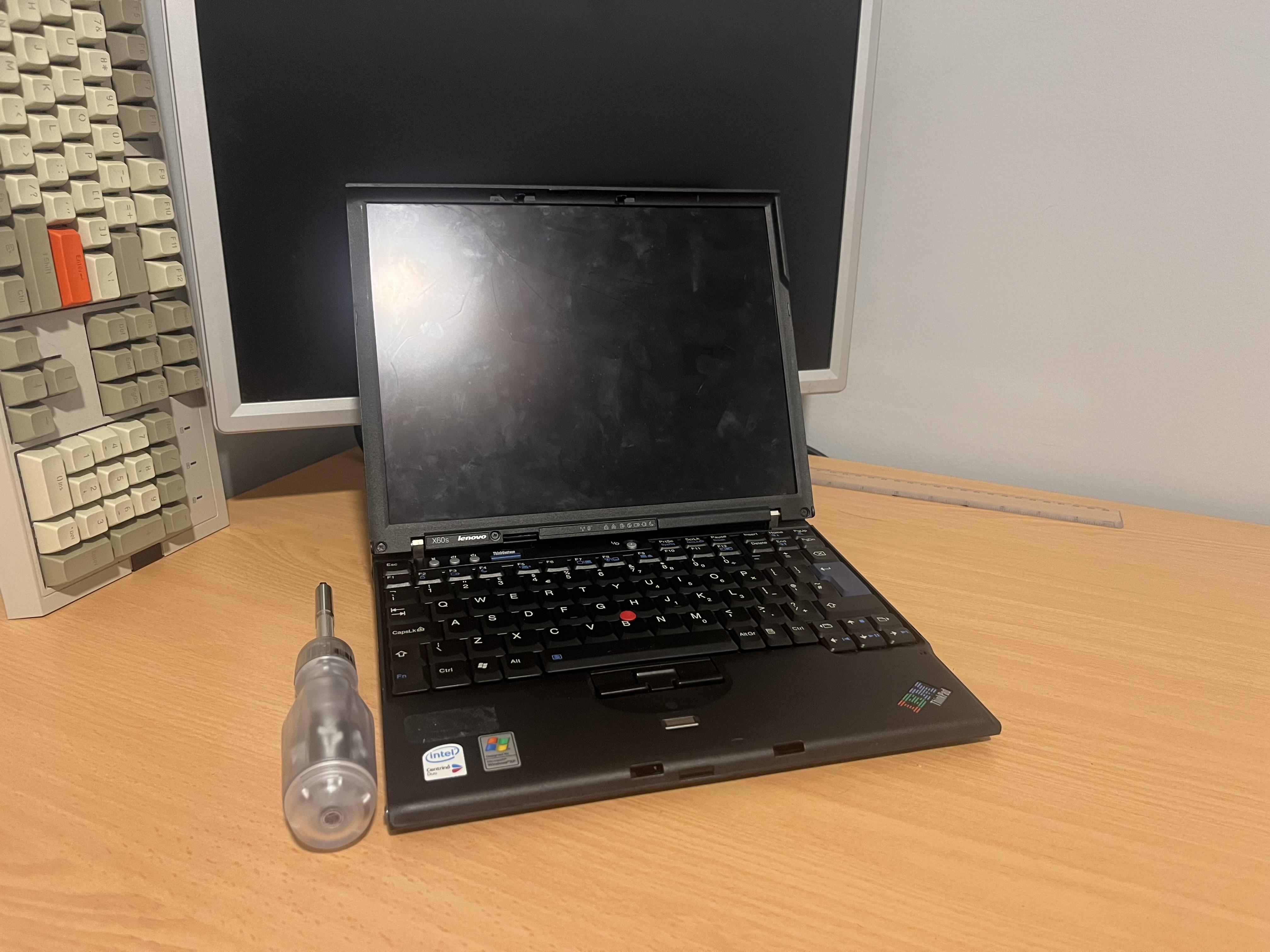
X60s disassembly and flashing guide
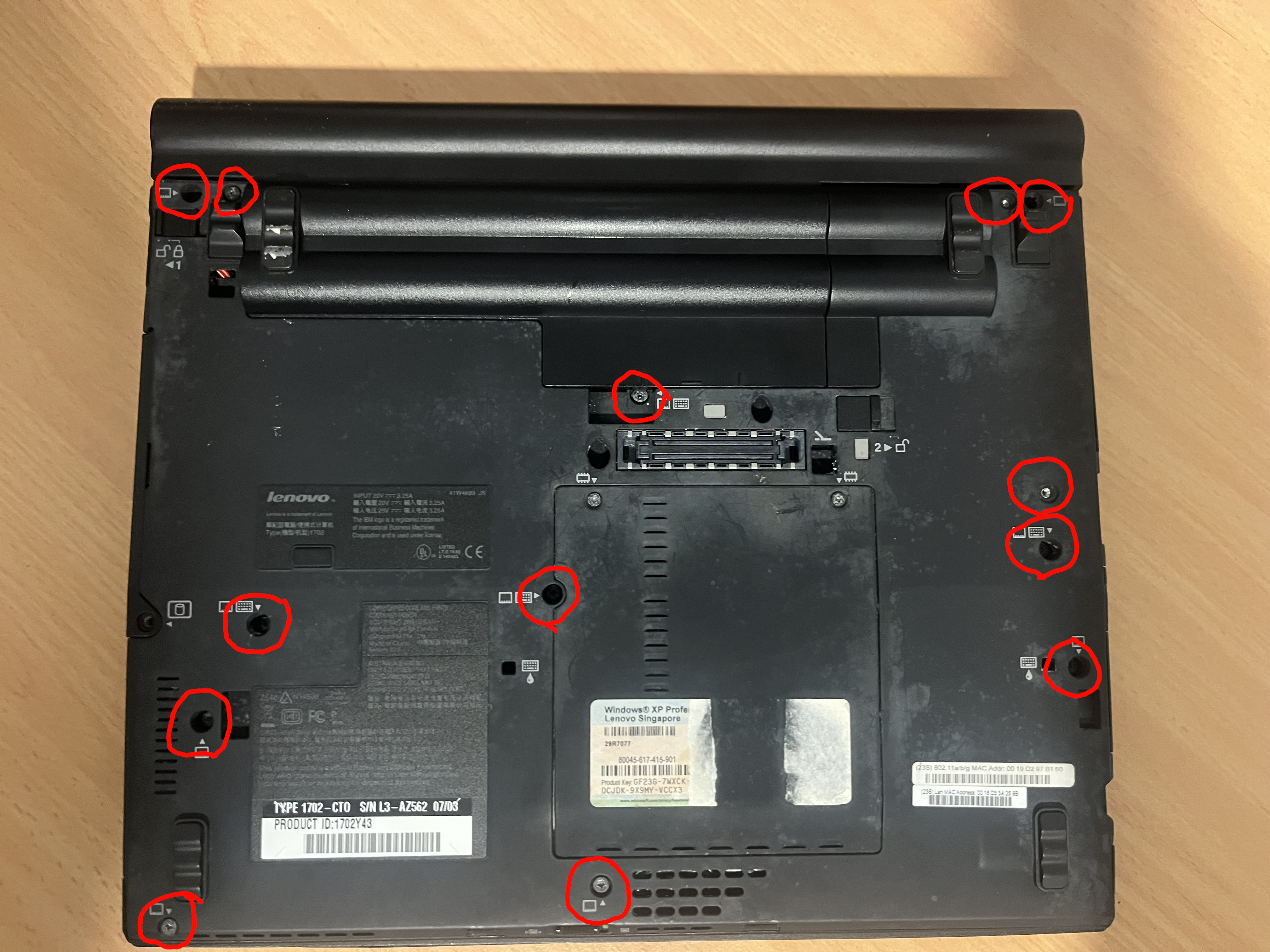
 To remove the keyboard and palm rest, first unscrew all circled screws.
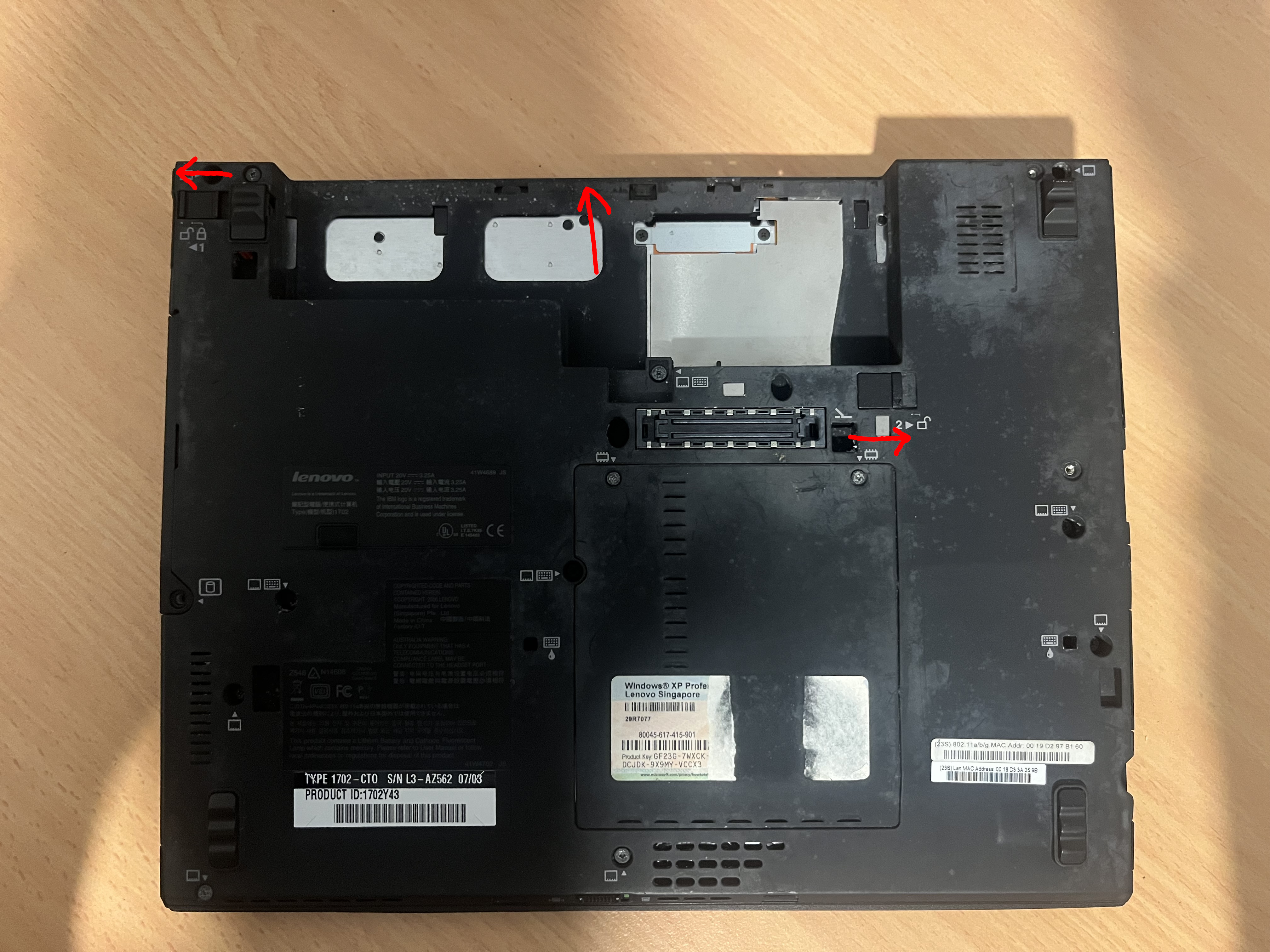
 Remove the battery by switching the lock to the left and holding the battery tab to the right and pull the battery out by moving it forward.
 Open the lid and slide the keyboard toward the screen, then lift the keyboard up gently.
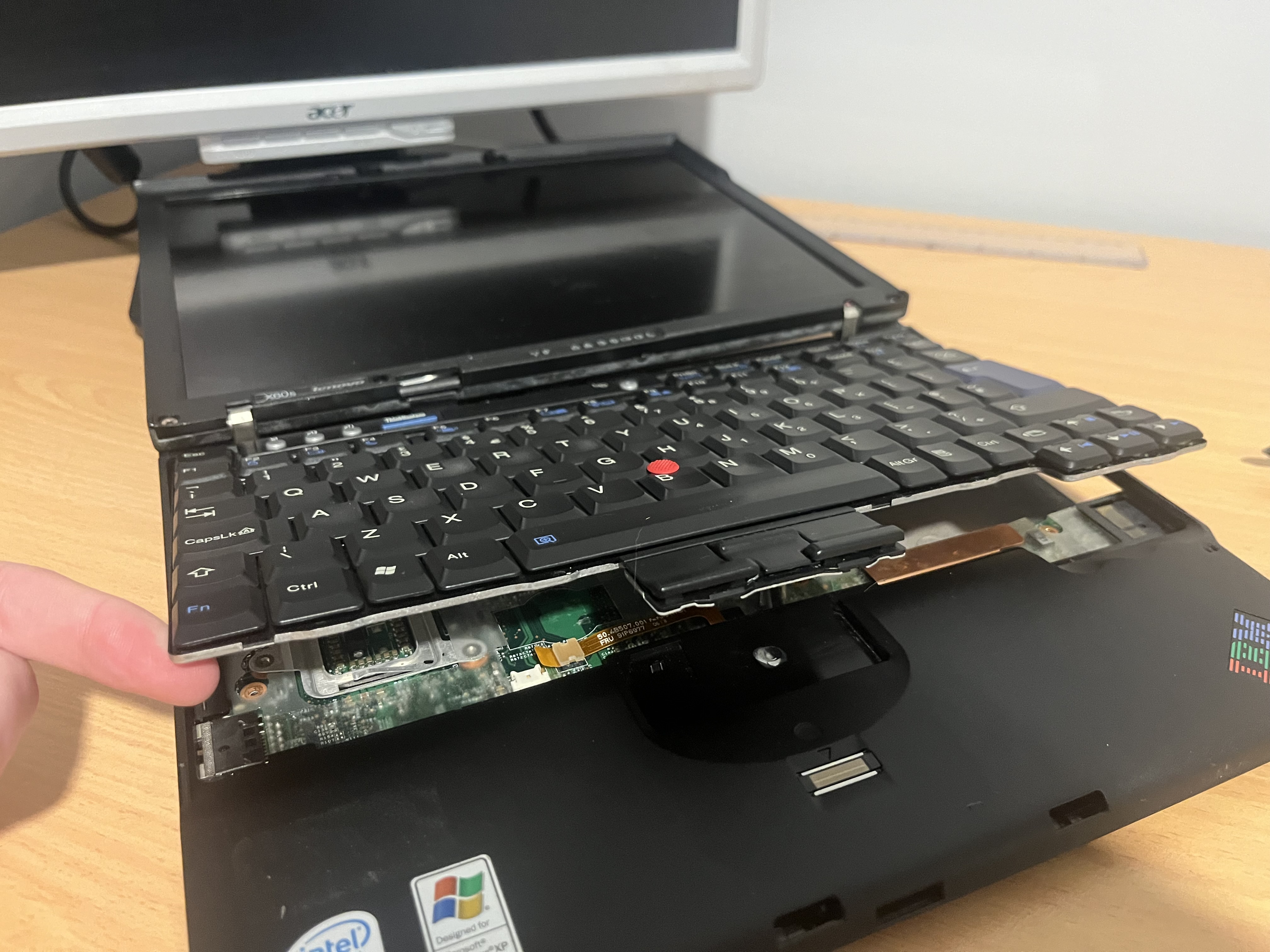 Then pull up on the two tabs which connect the palm rest and keyboard to the motherboard.
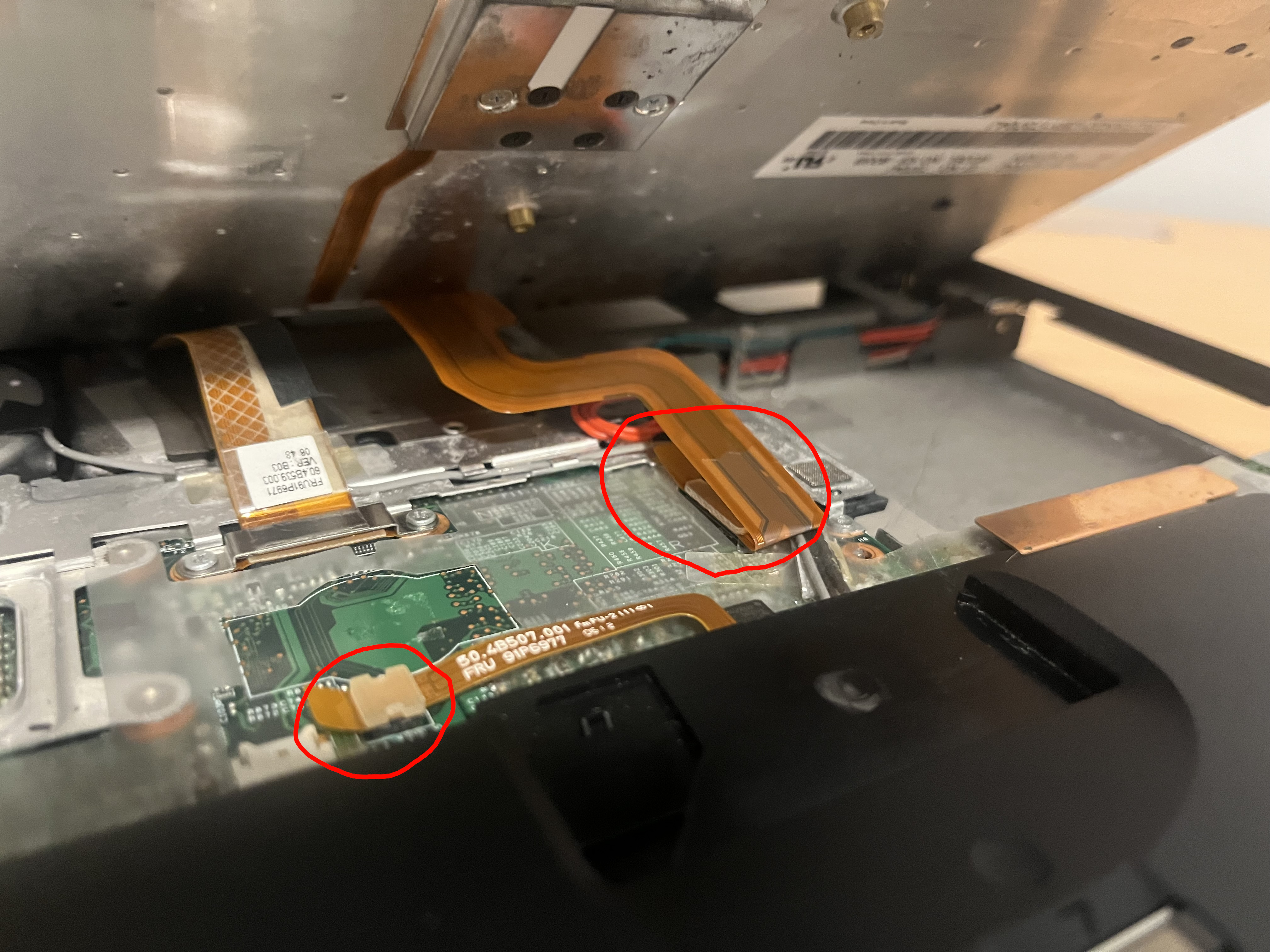 Remove the keyboard.
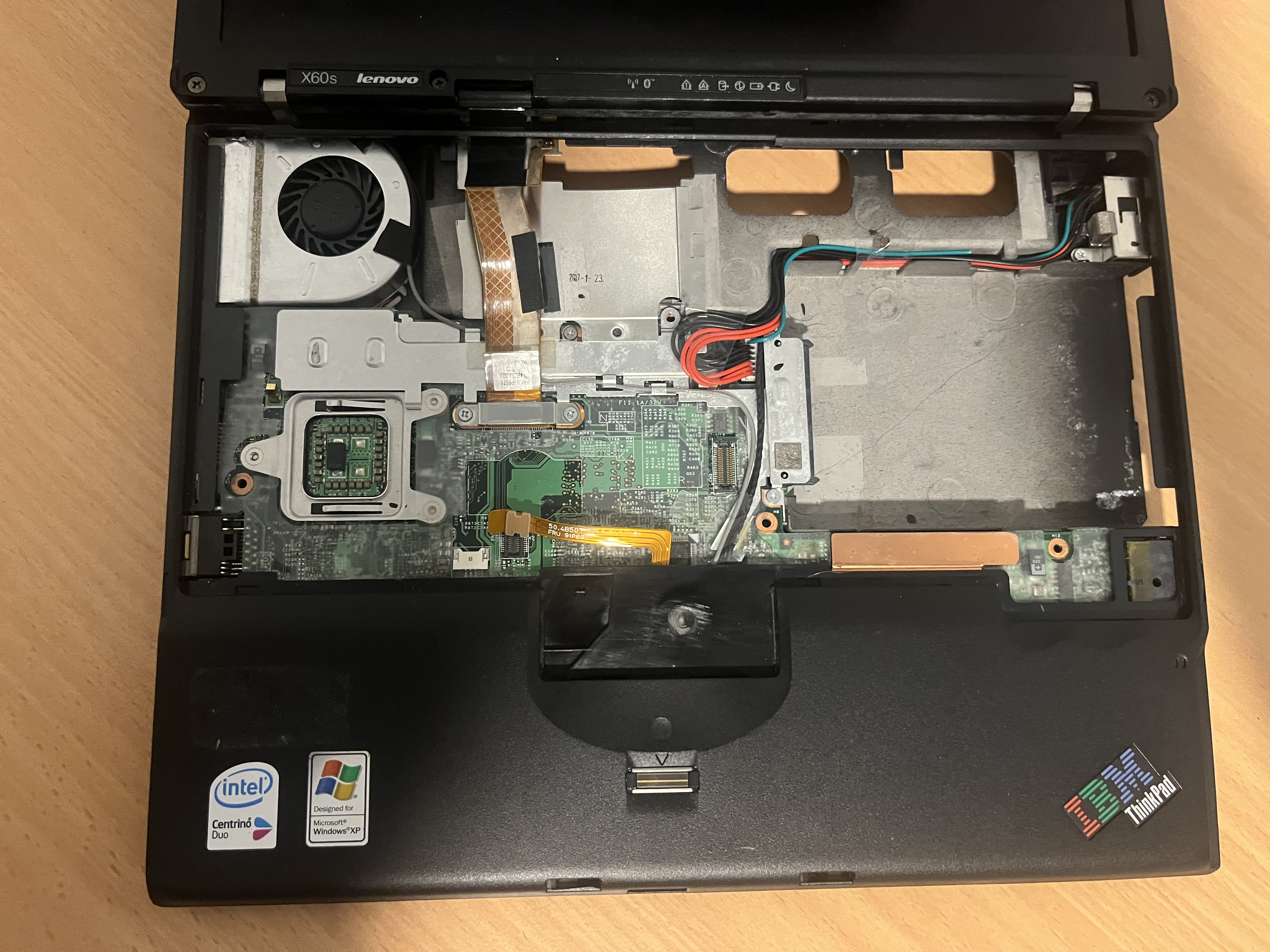 Then you can pry up the corners of the palm rest slowly.
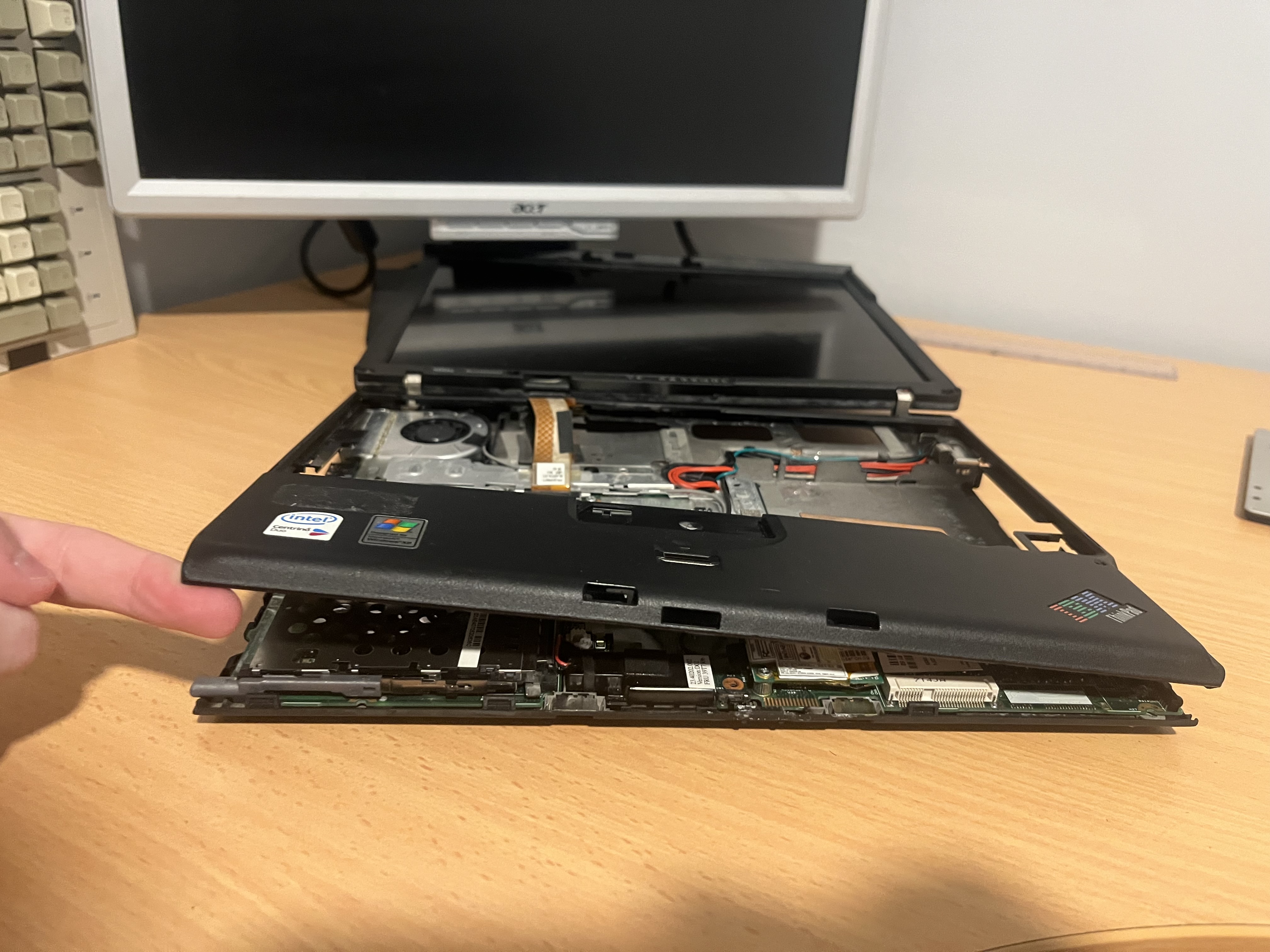 Lift up all of the palm rest and take it away from the laptop carefully.
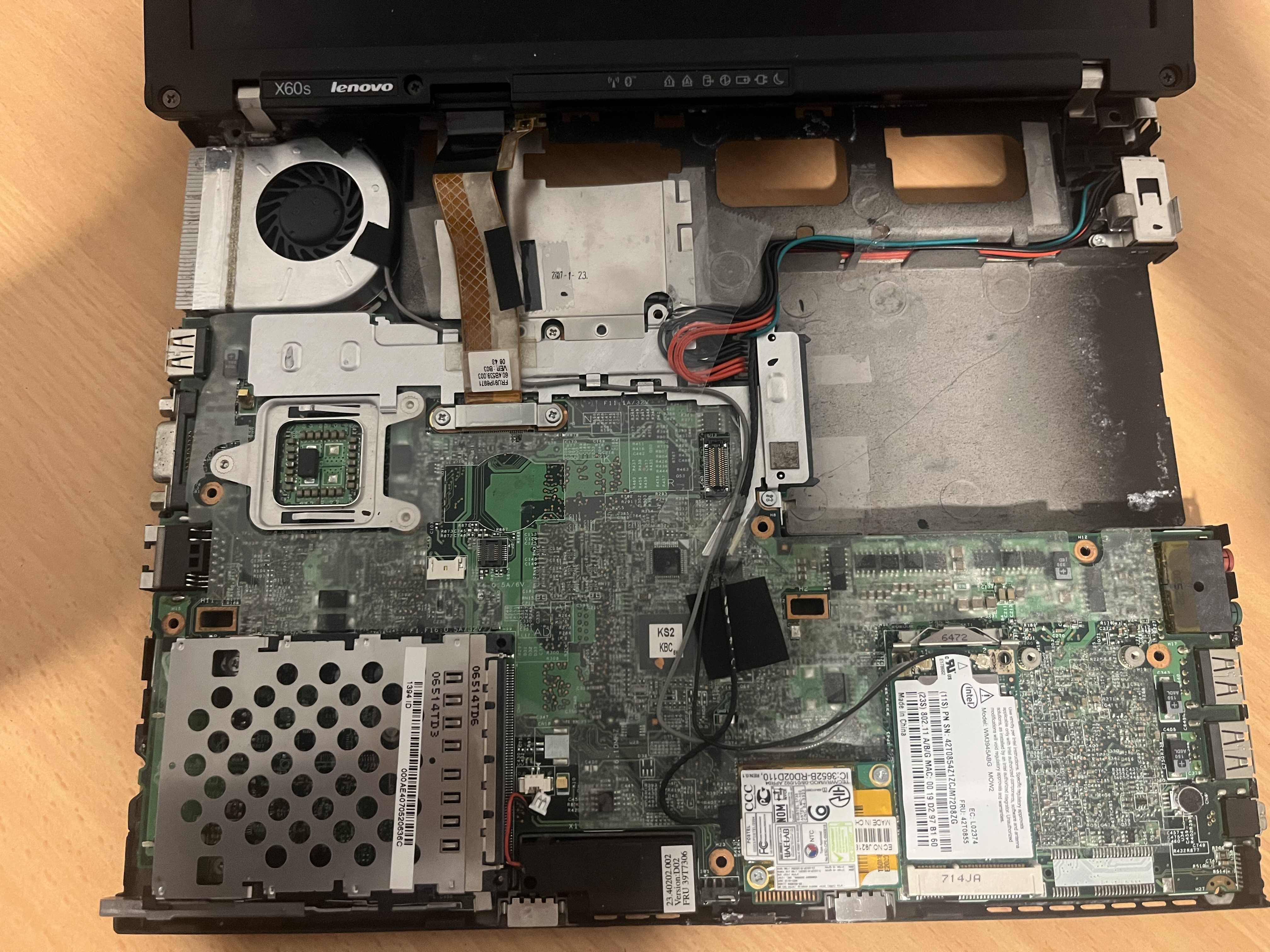 Take out both the grey and black wires connecting to the wifi card, then unplug the other black wire going to the modem.
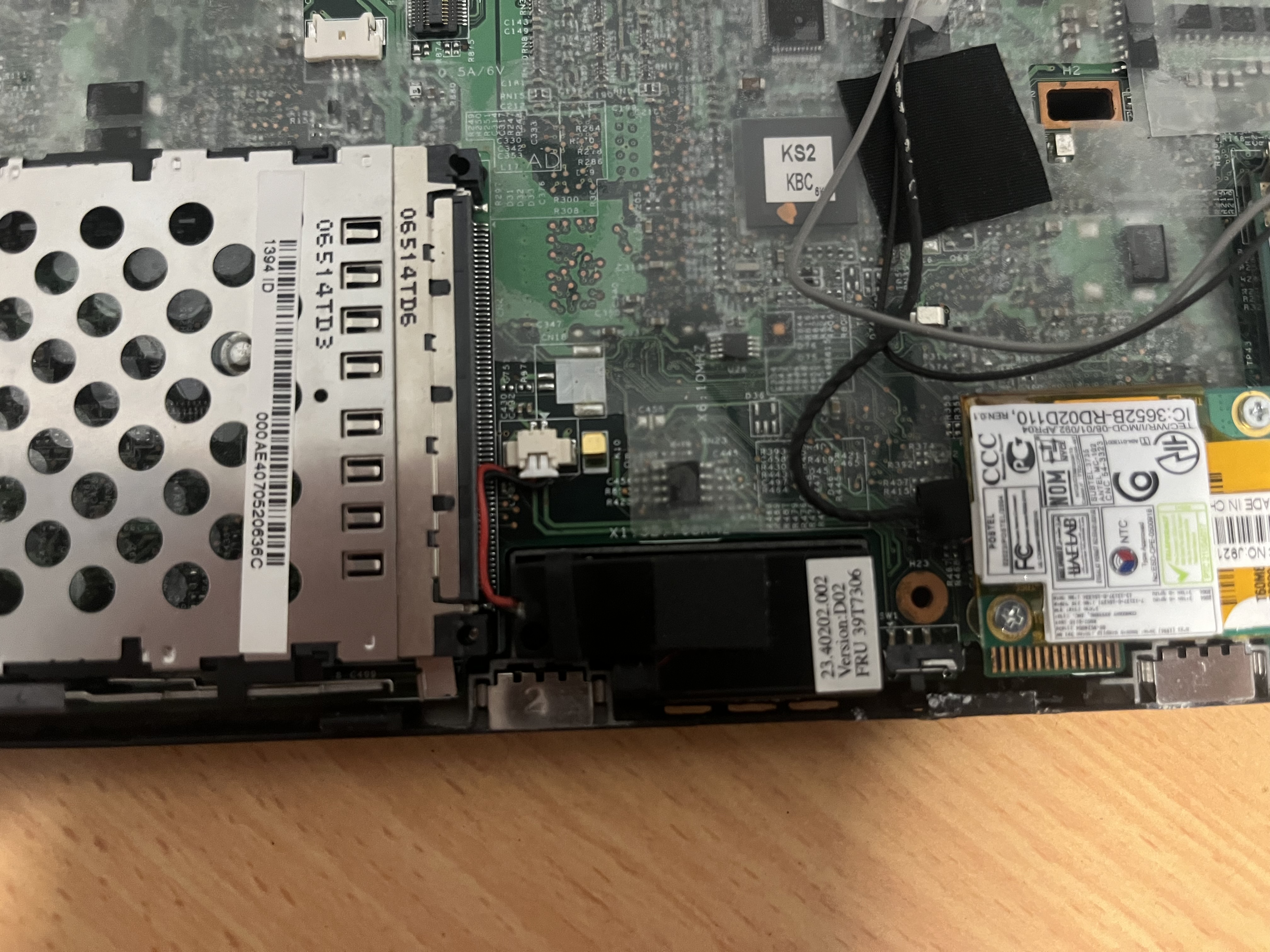
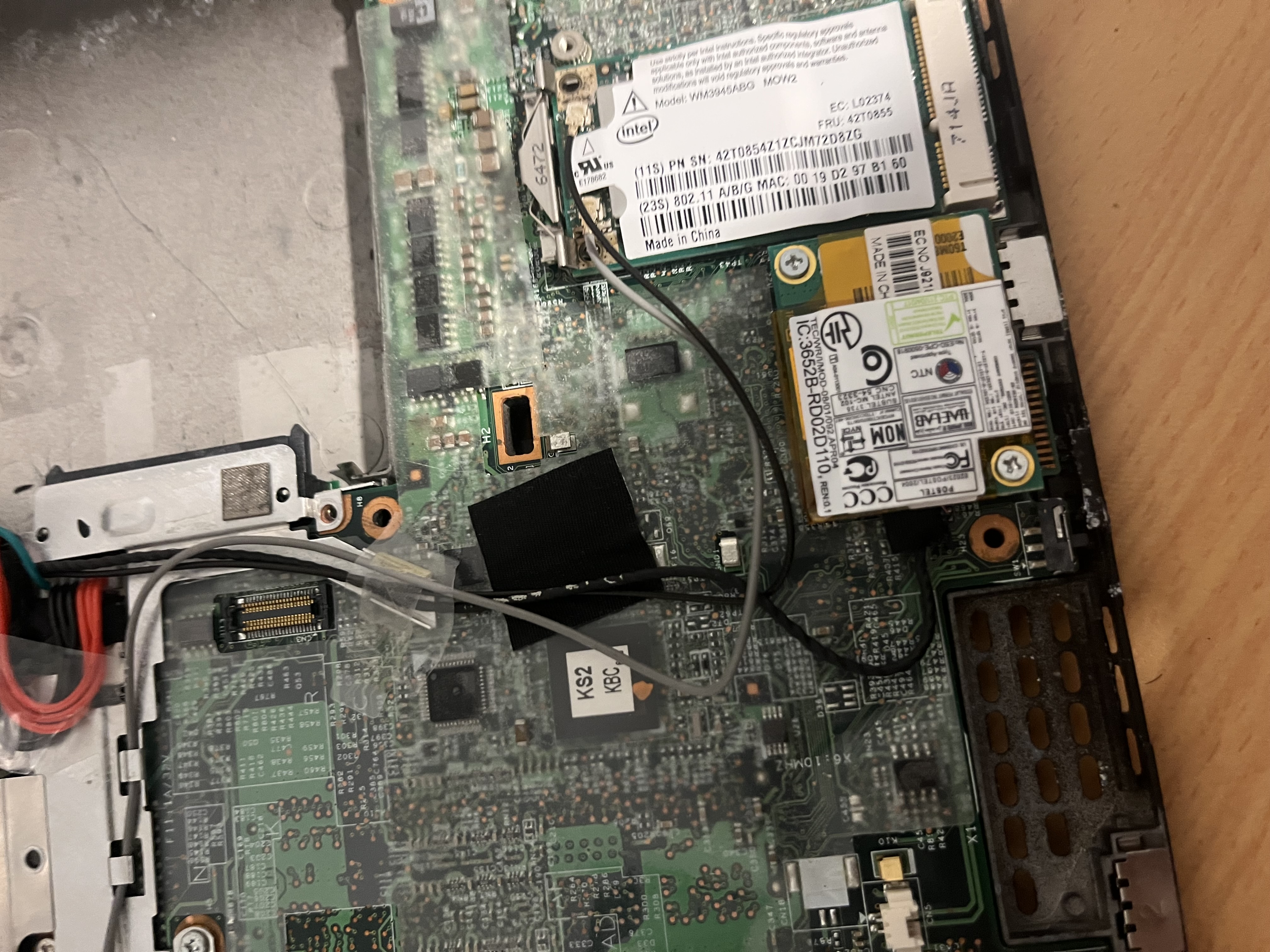 Unplug the speaker cable and take out the speaker.
 Unscrew the two screws which hold the display cable in place and remove the display cable.
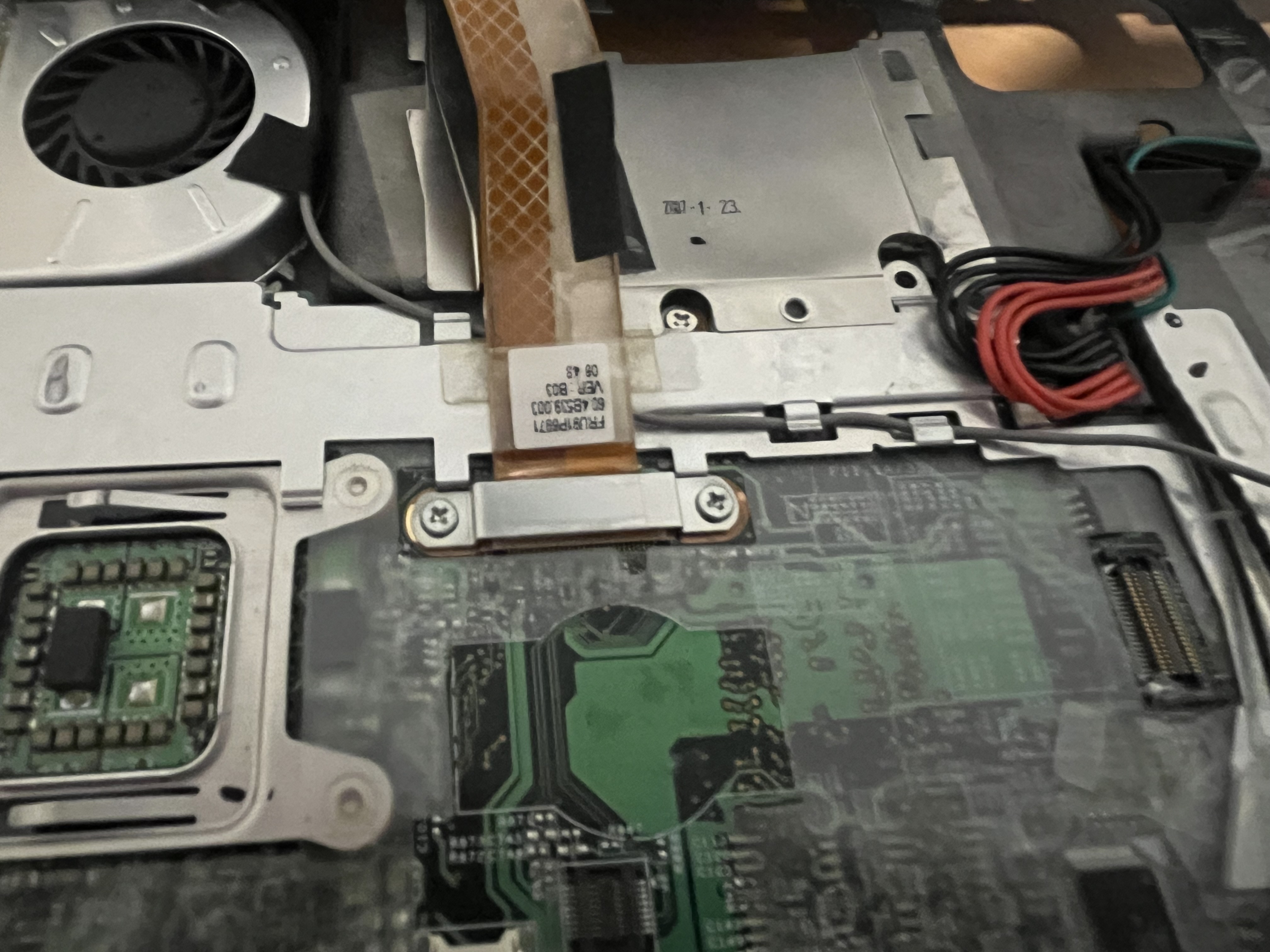 Once the display cable is removed you can unroute the wifi cable.
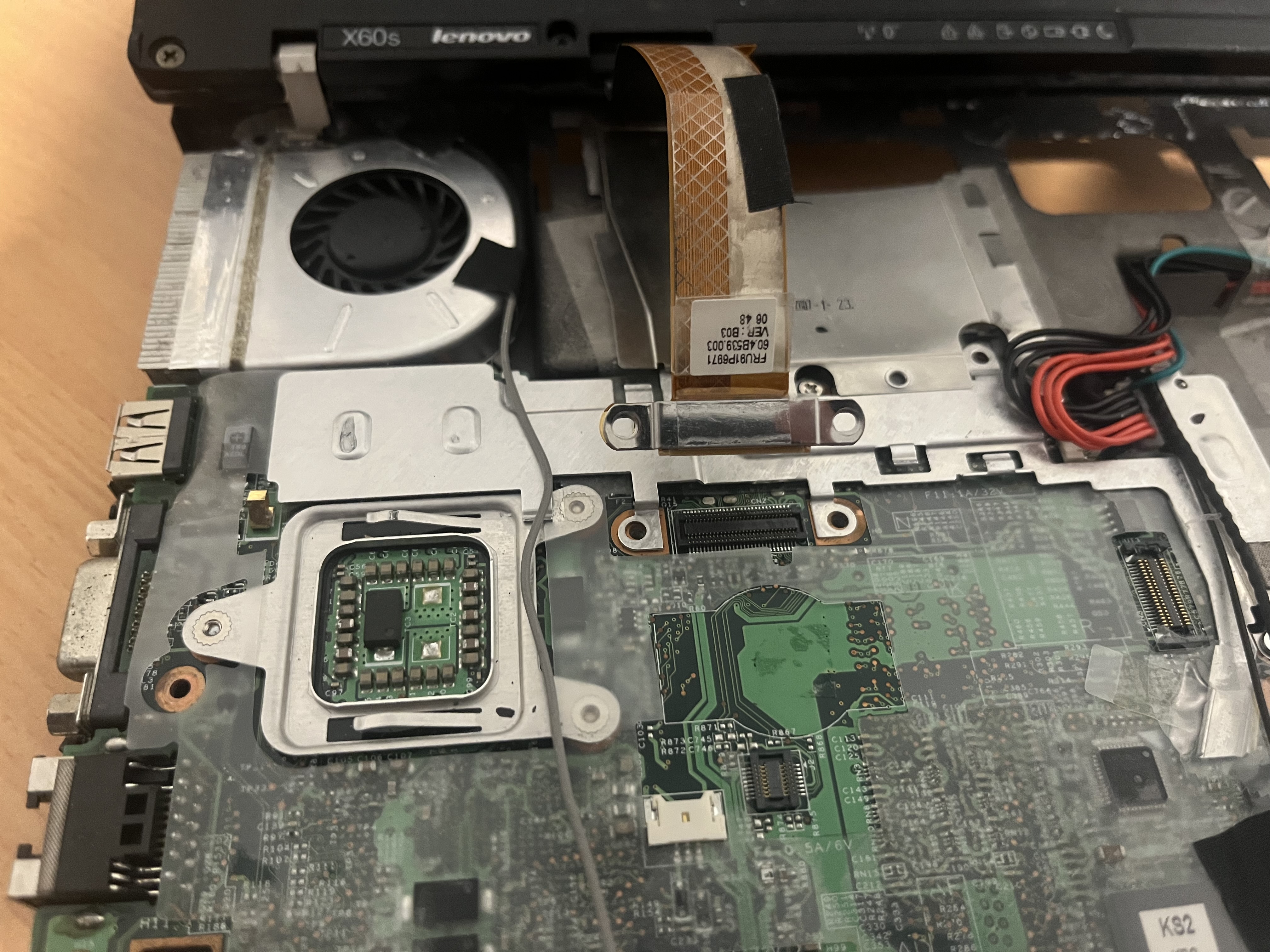 Next carefully pull up the tape around the CPU fan and keep derouting the wifi cable.
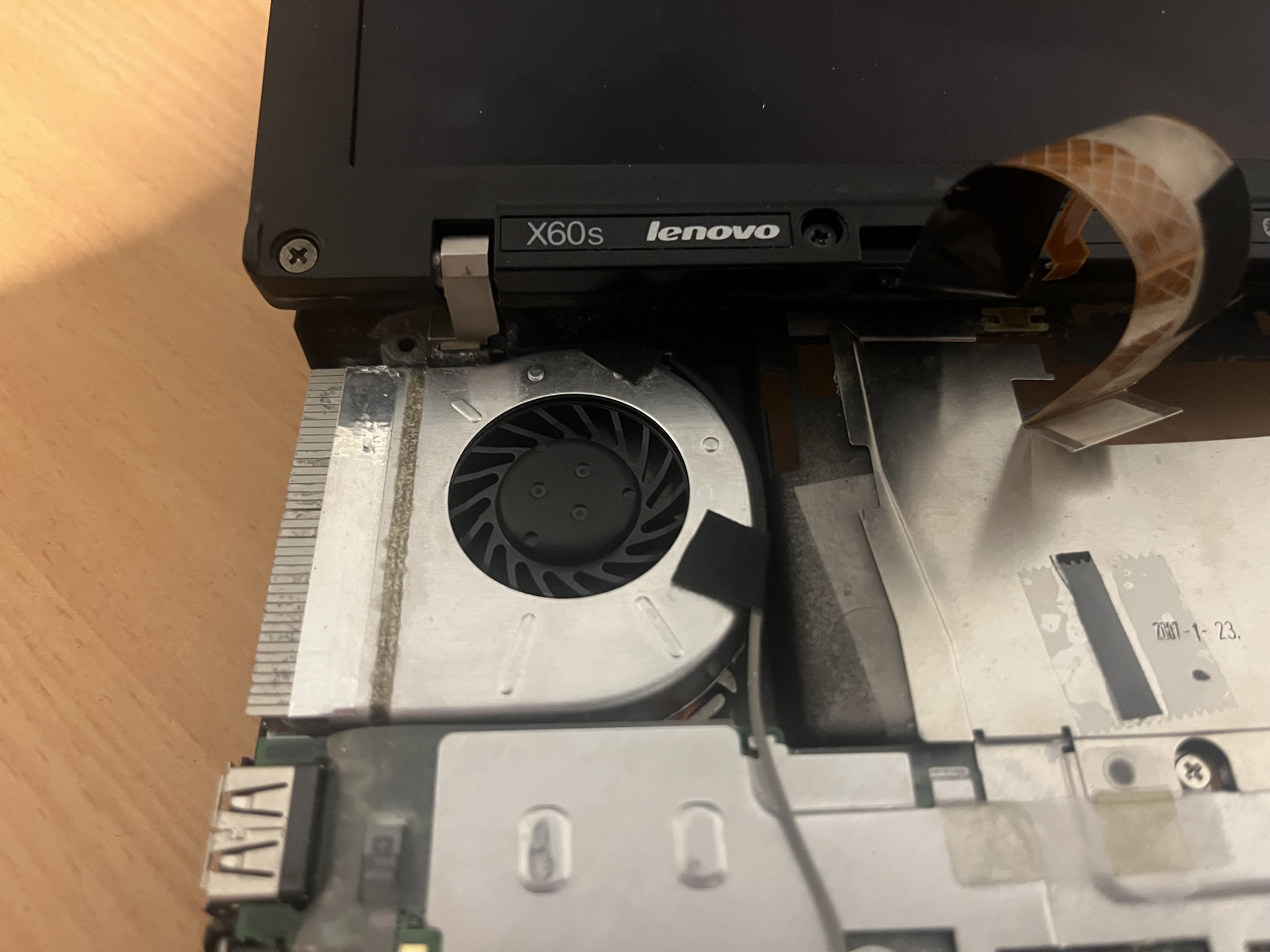
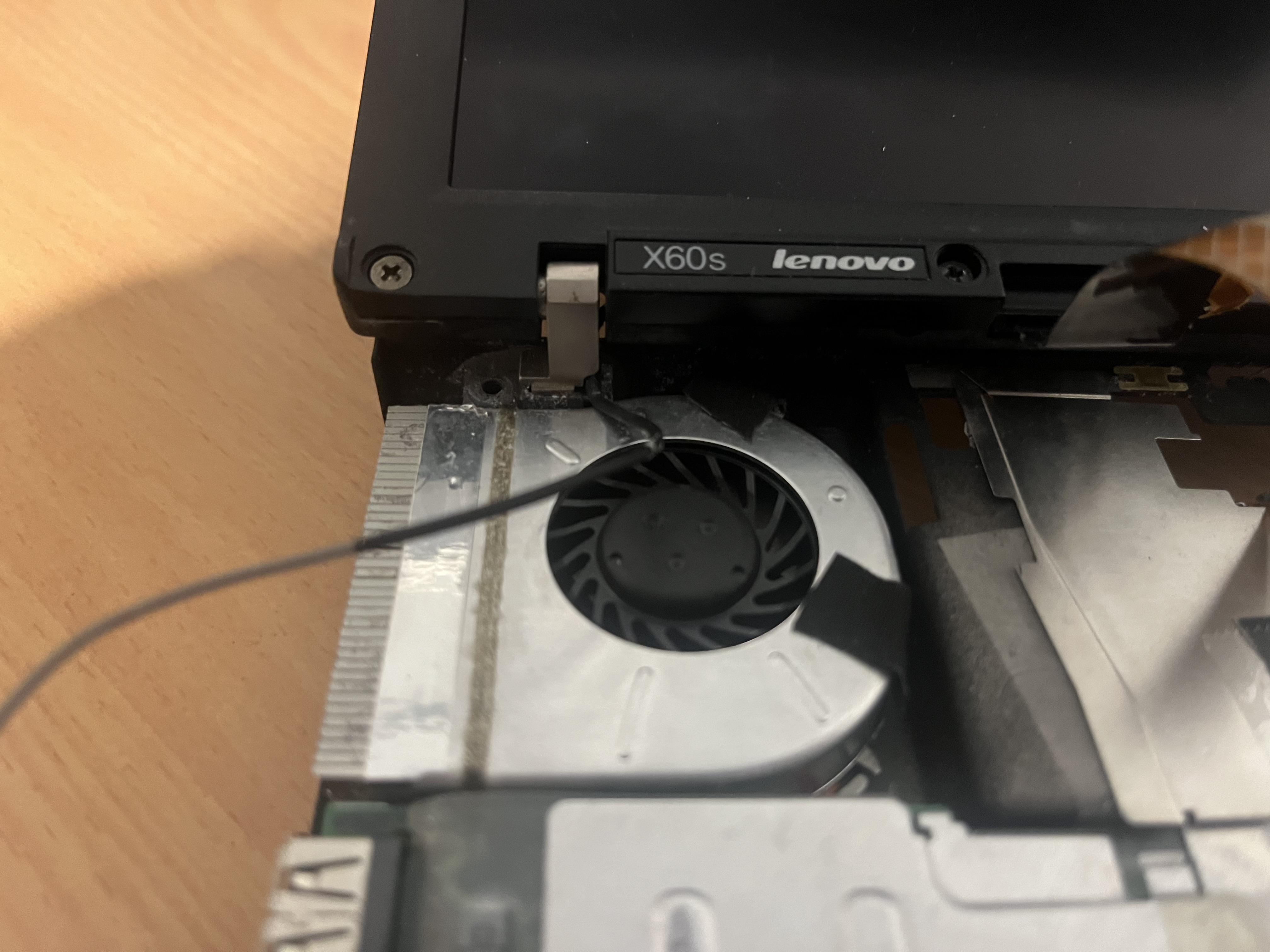 Take out the charging cable.
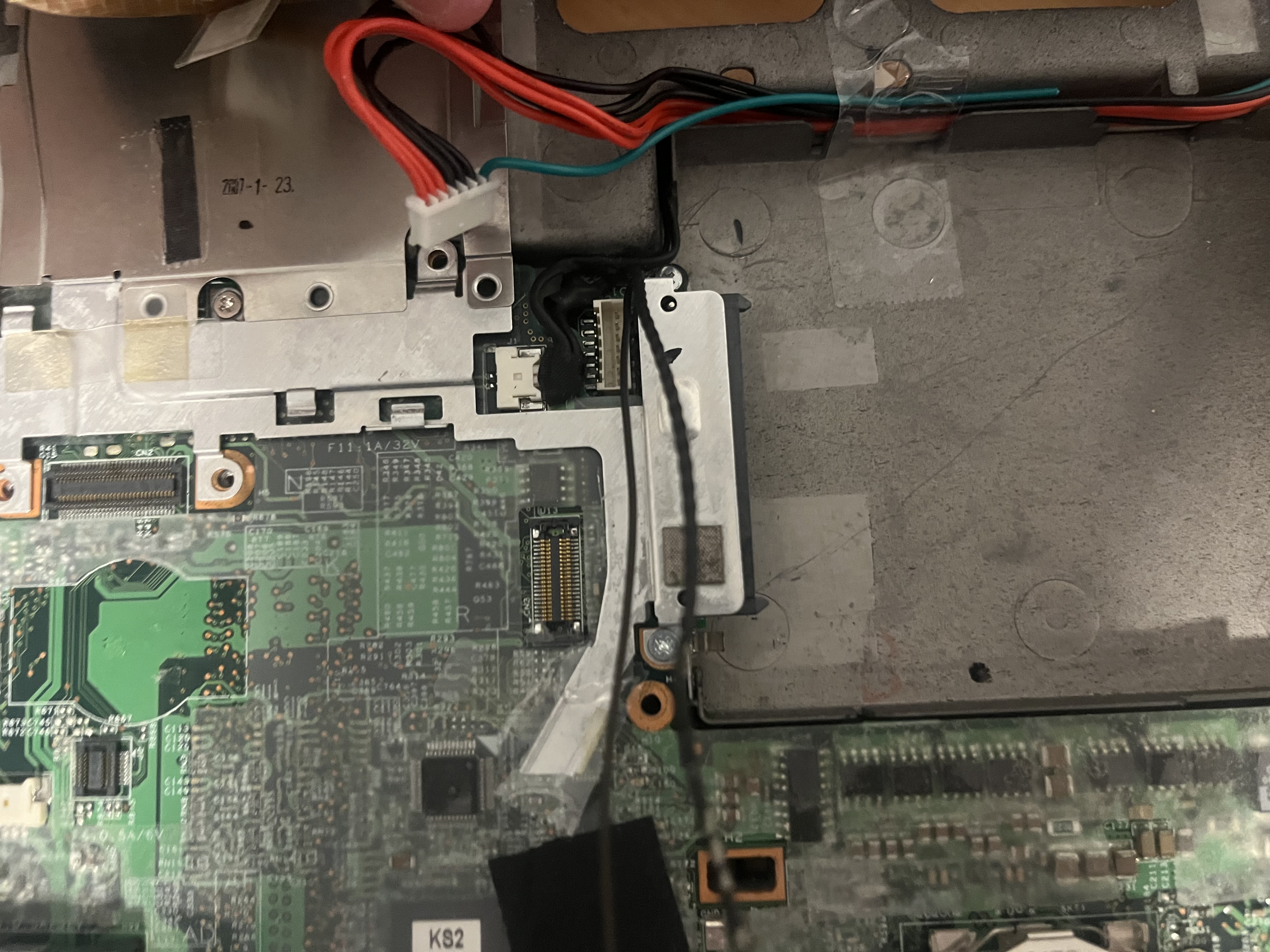 Unscrew the single screw in the middle of the metal plate and remove it.
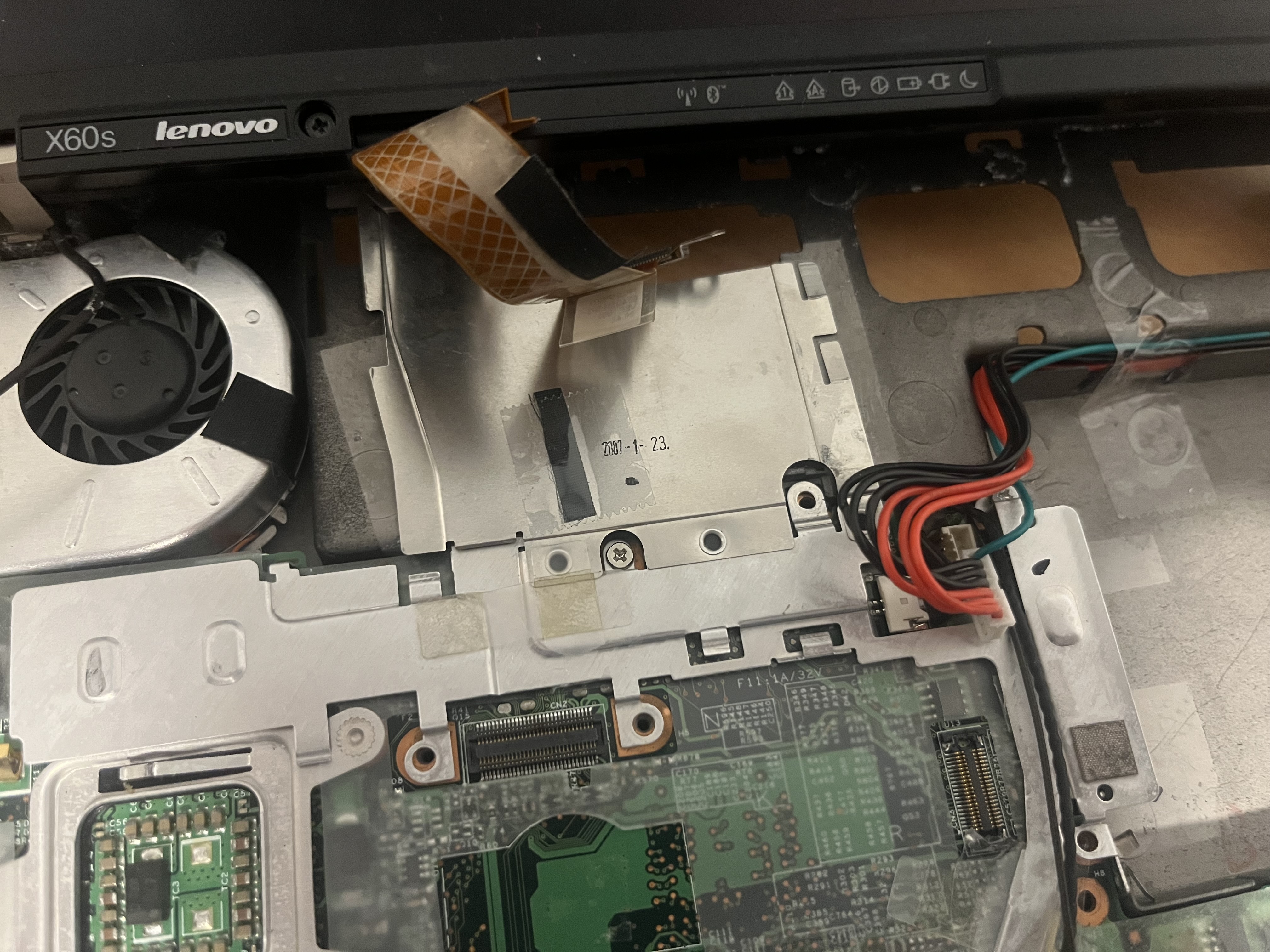
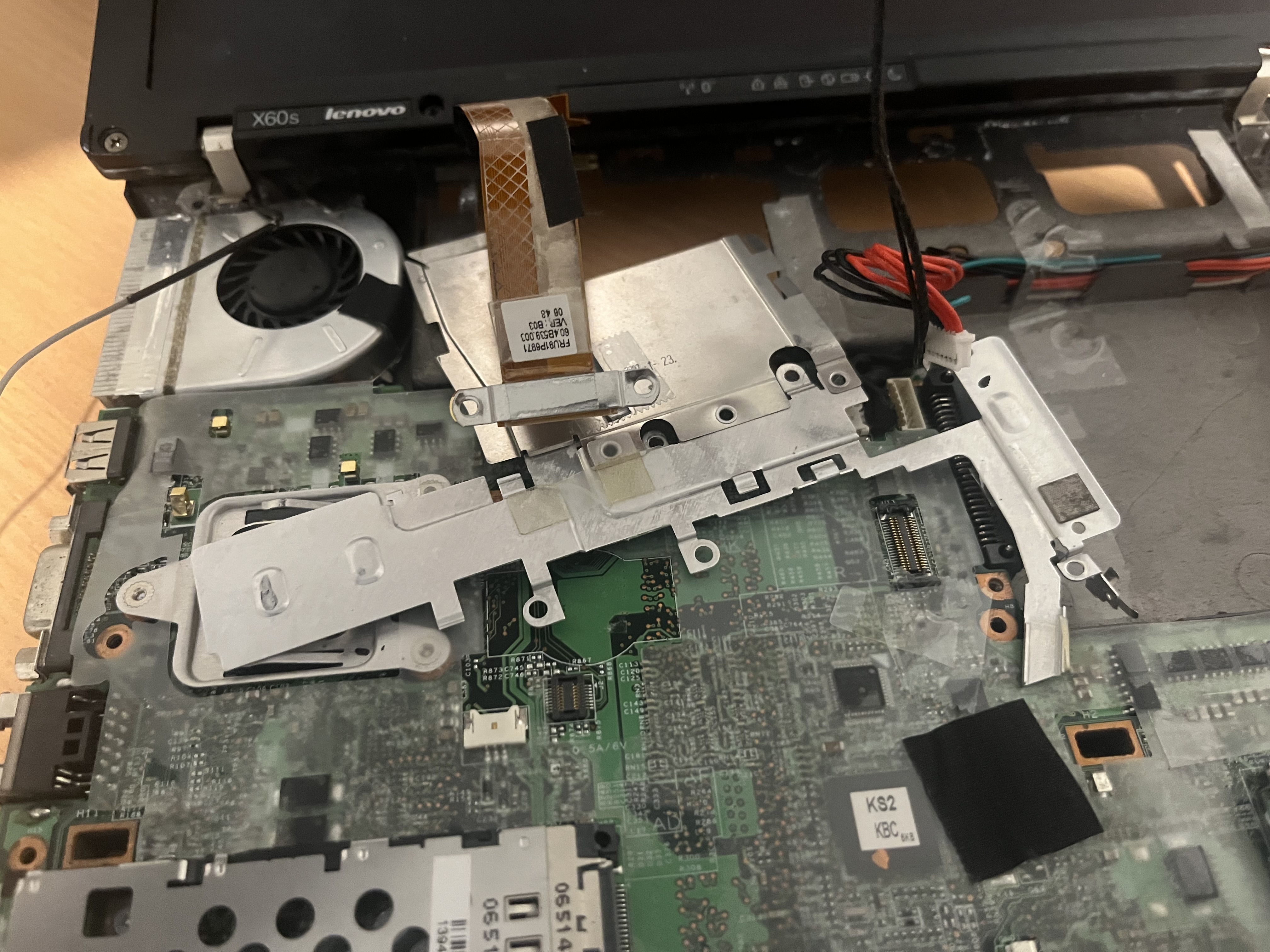 Unscrew the two screws holding in the sata port and remove it, also take out the ethernet cable.
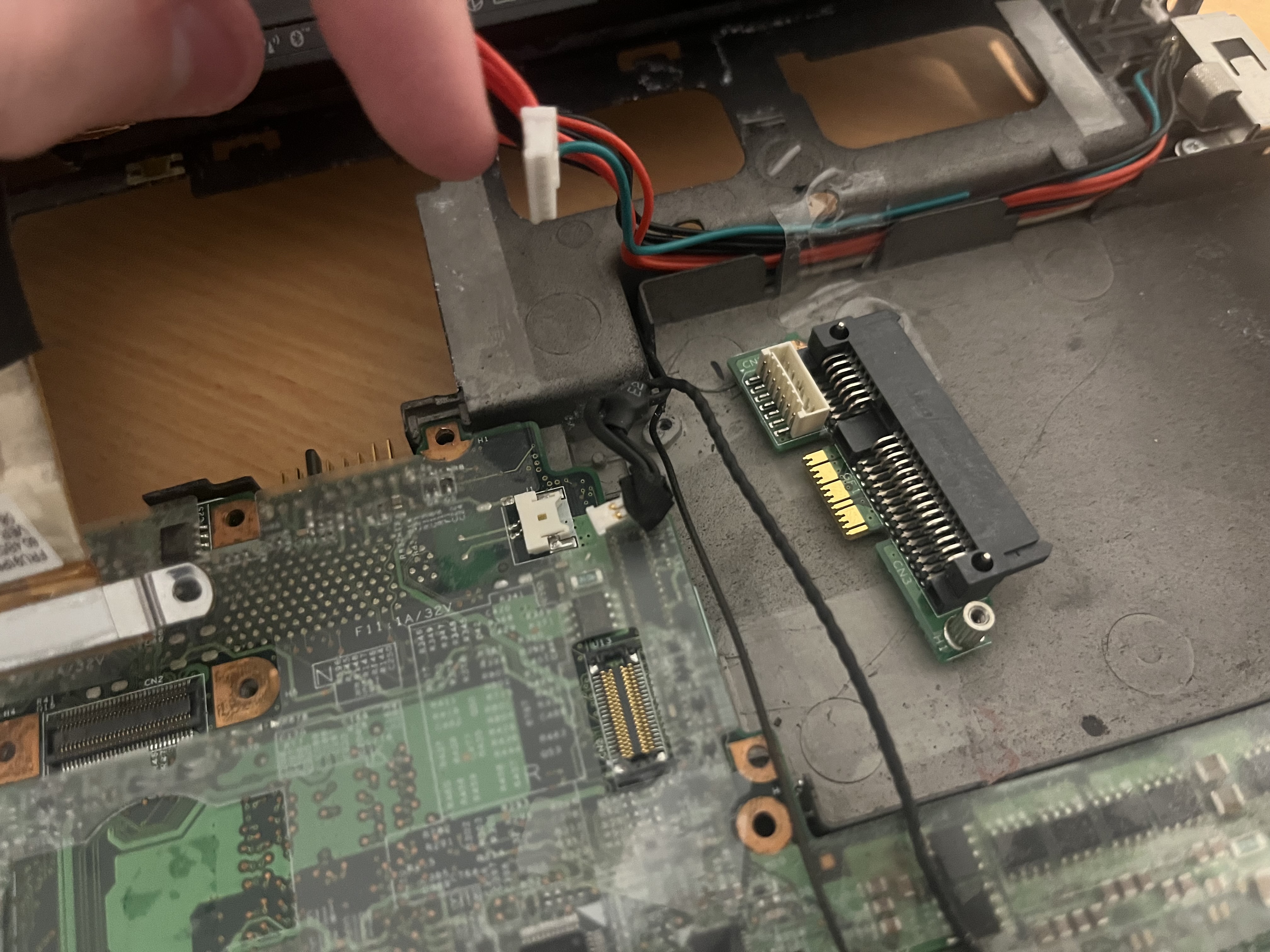 forgive me but tumbler made them all into webps..


